


Password Logbook 5.2 x 6.8 Inches with Inner Pocket – Time-Saving Reference for ISP and Software License Records
Password Logbook 5.2 x 6.8 Inches with Inner Pocket – Time-Saving Reference for ISP and Software License Records
Couldn't load pickup availability
Why you'll love it
- Offline storage means hackers and data breaches cannot reach the passwords
- Alphabetical tabs eliminate the frustration of searching through disorganized lists
- Anonymous cover design keeps the book's purpose private if seen by visitors
- No technology learning curve makes it accessible for seniors and low-tech users
- Premium leather cover and 100gsm no-bleed paper convey quality and durability
- 24 color and pattern options allow personalization as a meaningful gift
Perfect for
- Recording and organizing website login credentials in one physical location
- Storing up to four email accounts, eight software licenses, and eleven priority websites
- Documenting wireless router and internet service provider details for quick reference
- Serving as a thoughtful practical gift for elderly parents, grandparents, or friends
- Acting as an offline backup for users wary of cloud-based password managers
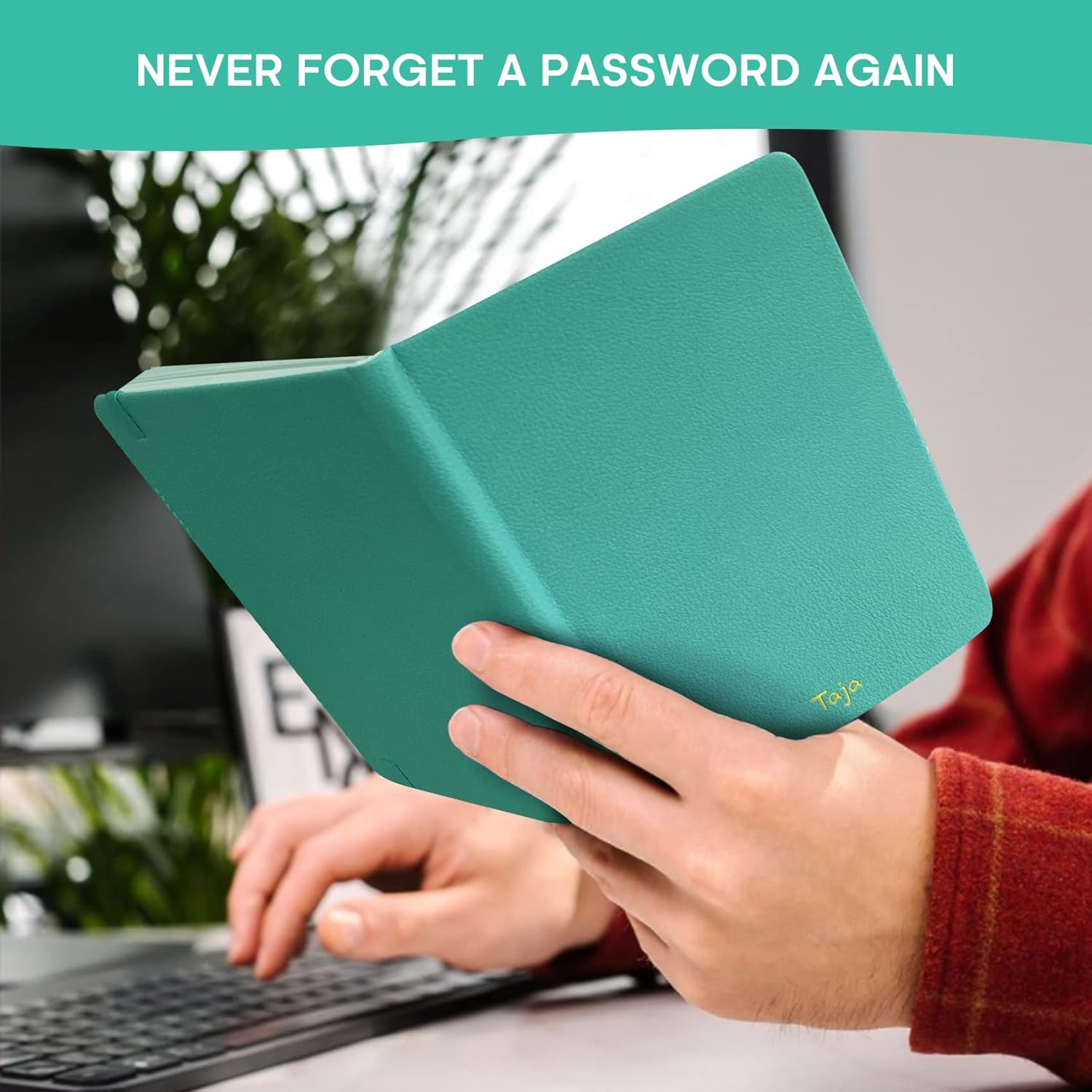
- Never Forget a Password Again - Always forget your password? Taja password keeper book provides an opportunity to create secure passwords and store them safely in one place, where no hacker can reach. Now, you won't have to fry your brain in search of that password.
- Easy-to-Find Passwords - Our password book with alphabetical tabs helps you quickly and easily find the password you need. With the alphabetically organized tabs, you can easily flip to the right section, saving you time and hassle searching for passwords.
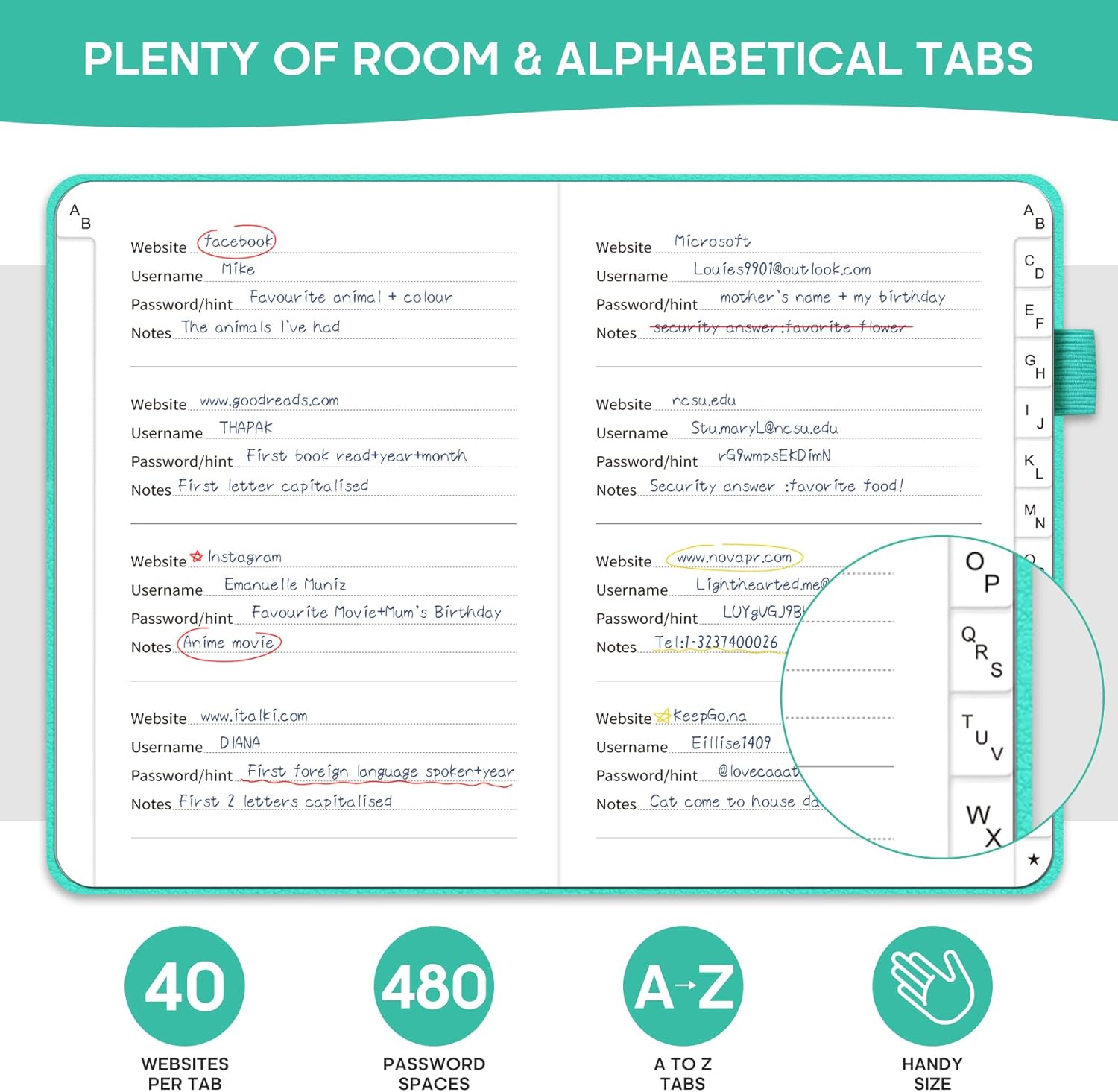
- Plenty of Room To Write - This 158-page password logbook provides ample space to record your passwords and other important information. It can store up to 480 passwords, as well as details for one wireless router and your internet service provider. In addition, you can record up to four email accounts, eight software licenses, and eleven crucial websites. Finally, the logbook includes four pages for additional notes.
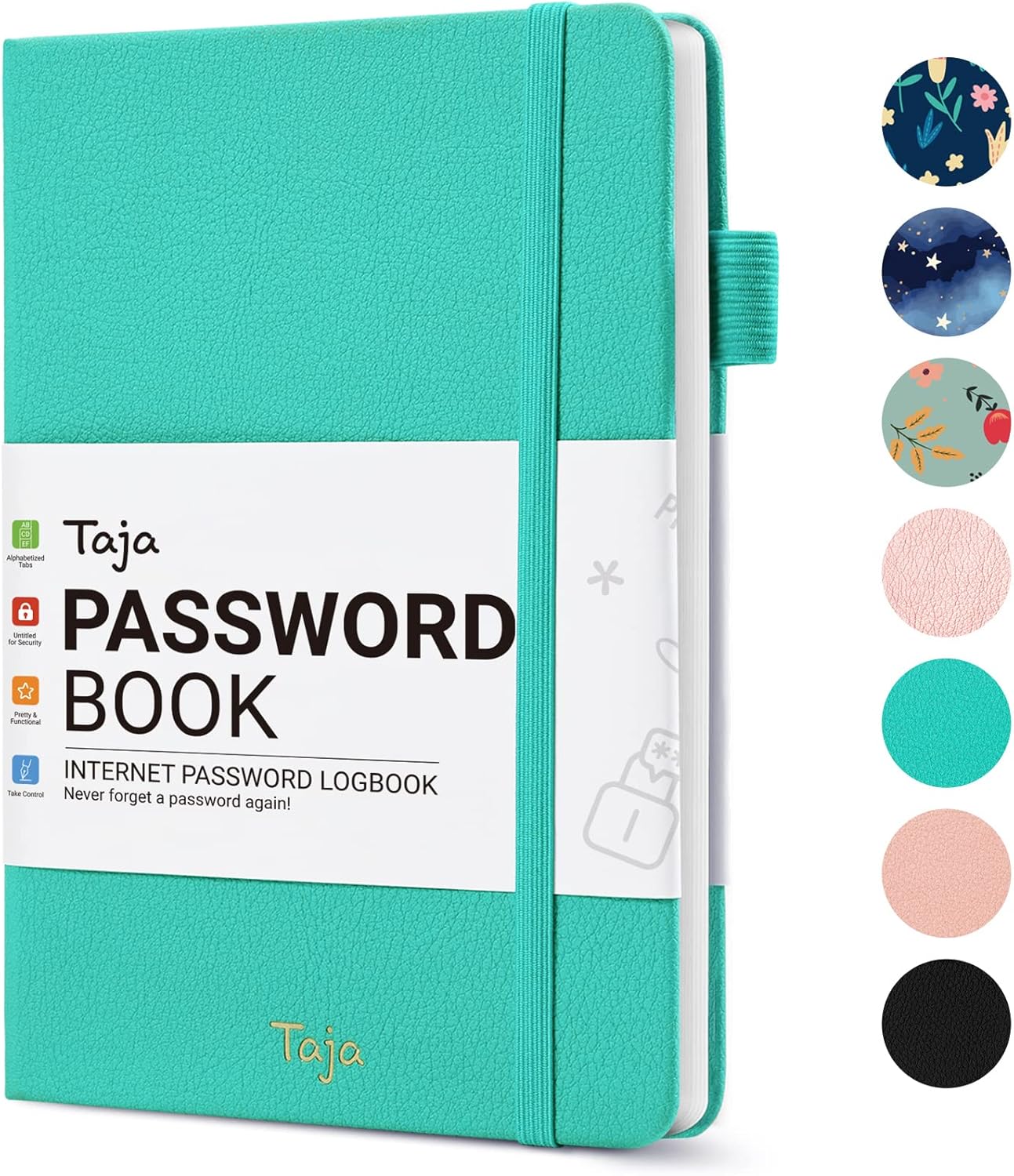
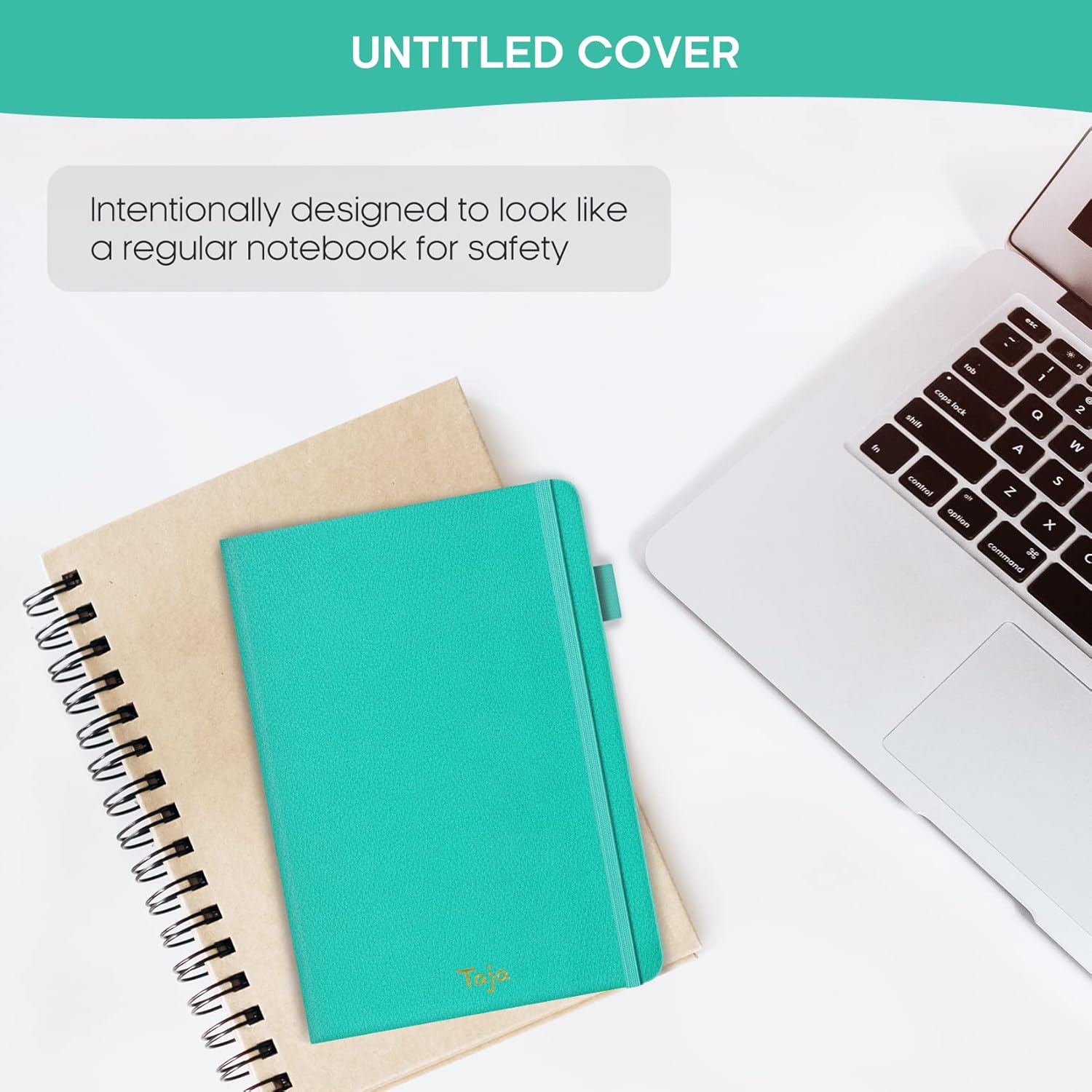
- Premium Design - This password keeper has been designed to be anonymous without an obvious title on the cover with an elastic band, 1 pen holder, 2 bookmark, 1 inner pocket at the end of the logbook and thick no-bleed 100gsm paper.
- Great Present for Everyone - Need a practical present for seniors? Our password notebook for seniors is designed for them with a 5.5" x 6.7" size and durability. Keep all passwords organized and easily accessible without digital storage. It's a thoughtful present for any occasion that shows you care about their security and convenience.
Frequently Asked Questions
Will alphabetical tabs actually save me time when I need a login fast?
Yes, the A to Z tabs let you jump straight to the correct letter and find a website in seconds. Compared to scrolling a phone app or browser list, it is faster and quieter.
How many entries can I store before the book becomes hard to navigate?
The book holds up to 480 passwords, with multiple entries per page organized by website name. Even at full capacity, alphabetical tabs keep every entry two to three seconds away.
Does the pen holder mean I always have a pen ready to update entries?
Yes, the integrated pen loop keeps a pen attached to the book. When you create a new account or change a password, you can update the log immediately without searching for a writing tool.
Are the two ribbon bookmarks useful for tracking sections I use often?
Yes, the ribbons let you mark two frequently used pages—such as your email and bank—so you can flip directly to them without re-tabbing every time.
Can I document my wireless router and ISP details in one place?
There is a dedicated section for recording your internet service provider and router credentials, including SSID and admin passwords. This is invaluable when troubleshooting or replacing equipment.
Is this book useful for managing software licenses across multiple devices?
Yes, the license section is built for this. You can record up to eight software license keys with notes about renewal dates and which device each one is installed on.
Will I be able to record up to four email accounts with their passwords?
Yes, there is a dedicated email section that holds up to four email accounts. Each entry has space for the address, password, recovery email, and security question notes.
Can I keep track of up to eleven priority websites in this book?
Yes, the priority section holds up to eleven of your most important websites. These are the logins you never want to lose—banking, insurance, healthcare, and similar critical accounts.
Is the inner back pocket useful for storing receipts or backup notes?
Yes, the back pocket is ideal for holding 2FA backup codes, Wi-Fi password cards, or receipts for software subscriptions. It keeps loose items organized with the main logbook.
Will this help me stay focused instead of getting distracted by password reset flows?
Yes, having every login in one place means you avoid the productivity loss of clicking 'forgot password,' checking email, and re-authenticating. You stay in your workflow.
Does this book work well as a backup to a digital password manager?
Yes, many professionals use it as a printed backup for critical accounts. If a digital service goes down or your account is locked, the paper book keeps you productive.
How does this compare to a typical sticky note on a monitor?
Sticky notes are limited, easy to lose, and visible to anyone walking by. This book offers 480 private entries, alphabetical organization, and a discreet leather cover.
How does this compare to a digital app for fast workplace login retrieval?
An app requires unlocking the phone, opening the app, searching, and authenticating. A paper book requires opening the cover, flipping to a tab, and reading—no battery, no loading time.
Is the paper quality good enough to prevent smudged, unreadable entries?
Yes, the 100gsm no-bleed paper keeps ink sharp and legible. Even small details like a recovery code or security answer remain readable for years.
Does the compact size make it easy to take between home and office?
Yes, at 5.2 by 6.8 inches and lightweight, it slips into a laptop bag, tote, or backpack. The elastic band keeps it closed during transport, protecting the pages.
Will this book reduce the time I spend on password resets each month?
Yes, having a complete, current record of every login means you stop relying on memory and stop requesting resets. Most users report a significant drop in reset-related interruptions within weeks.
How do I start using the password book for the first time?
Open the cover, locate the alphabetical tab for the first website you want to record, and write the site name, username, password, and any notes in the entry fields. Continue page by page until your key logins are documented.
What is the best pen to use so writing stays neat?
A standard ballpoint or fine-tip gel pen works best. The 100gsm no-bleed paper is designed to keep ink sharp, so even inexpensive pens produce clean, smudge-free entries.
How should I store the book when not in use?
Close the elastic band and place the book in a drawer, on a nightstand, or inside a personal safe. The leather cover and elastic closure protect pages from dust and light damage during storage.
Does the book work for storing app logins and not just website passwords?
Yes, you can record any login that uses a username and password, including mobile apps, streaming services, smart home apps, and gaming accounts. Use the website name field to identify the service.
Will it fit inside a standard personal safe or fireproof document box?
Yes, the 5.2 by 6.8 inch format is designed to fit common home safes, lockable drawers, and fireproof document boxes. The slim profile leaves room for other important papers alongside it.
What comes in the box when I order this password book?
The package includes one leather-bound password book with alphabetical tabs, an integrated elastic band closure, a built-in pen holder, two ribbon bookmarks, an inner back pocket, and dedicated sections for emails, software licenses, ISP details, and priority websites.
Is this password book safe if I spill water or coffee on it?
The leather cover offers light splash resistance, but the paper pages are not waterproof. Wipe spills off the cover quickly and keep the book away from liquids to prevent damage to entries.
How long will the book last with regular daily use?
With the elastic closure, 100gsm no-bleed paper, and durable leather cover, the book is built to last for many years of regular reference. Most owners use a single volume for the entire life of their account list.
What is the difference between a password book and a digital password manager?
A password book is a physical journal you write in by hand, with no internet connection, accounts, or software required. A digital password manager is an app or service that stores credentials in an encrypted online vault. The book is offline, private, and immune to hacking, while a digital manager offers features like auto-fill and cross-device syncing but requires trust in a third party.


