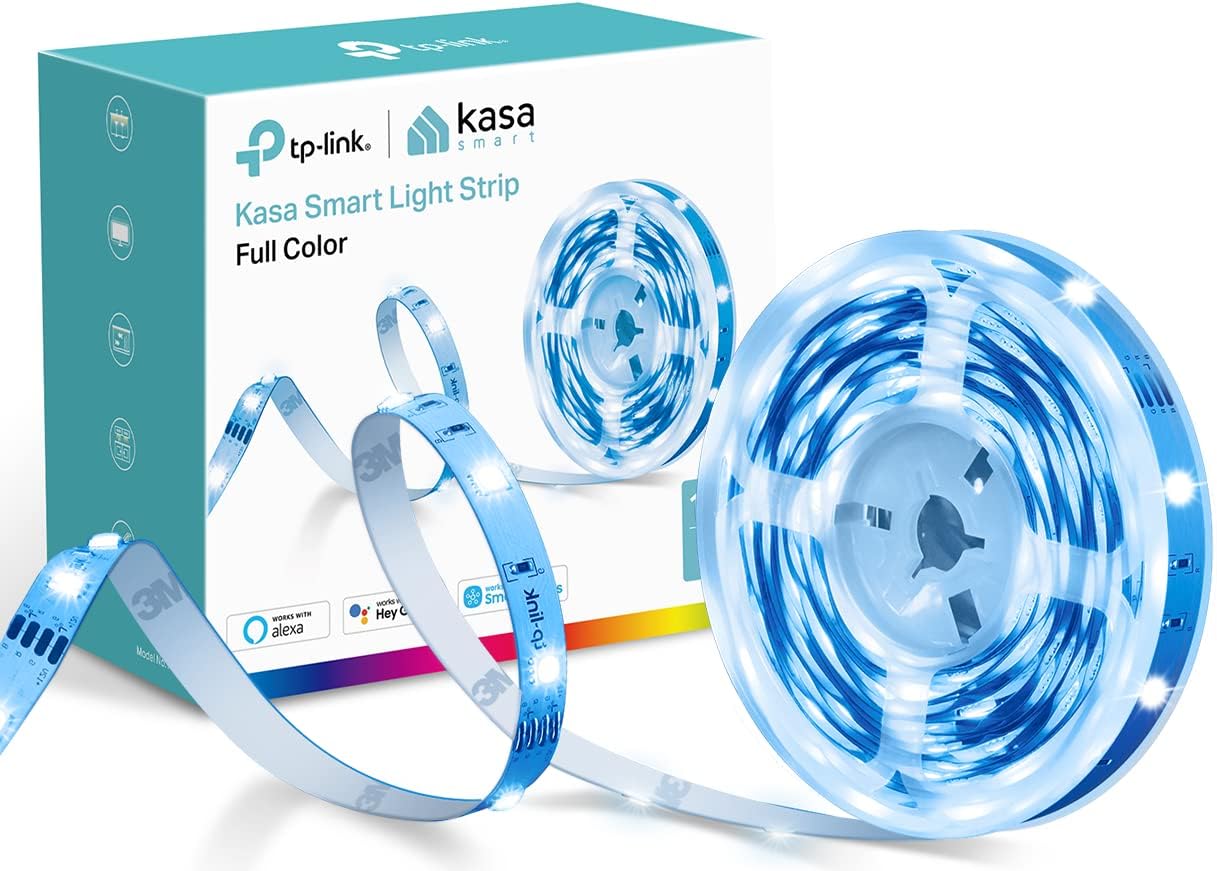
Kasa Smart LED Light Strip – Home Office Focus Lighting, Behind Monitor Bias Light for Eye Strain Relief
Kasa Smart LED Light Strip – Home Office Focus Lighting, Behind Monitor Bias Light for Eye Strain Relief
Couldn't load pickup availability
Why you'll love it
- 16 million colors let users match lighting to any mood, holiday, or event without buying multiple fixtures
- Voice and app control from anywhere eliminates the need to get up or hunt for a remote
- 25,000-hour lifespan and 3M adhesive backing deliver long-term, damage-free installation for renters
- Cuttable and bendable design fits awkward spaces like desk edges, TV backs, and staircases precisely
- Multi-ecosystem compatibility (Alexa, Google, SmartThings) avoids lock-in for users with mixed smart homes
- Animated presets create dynamic ambiance for parties, gaming, or relaxation without manual tweaking
- remote control secured to the wall
- dimming capability
- cords are surprisingly long so no extension cord needed
- visible color even during daytime
- model number printed near UPC on box for easy app setup
- tape has a 'good grip' on glossy/wood surfaces (not just flat painted walls)
- preprogrammed scenes like lightning, Christmas, rainbow in the app
- ideal size for 75 inch TV
- four connector with sticky tape back strip for mounting
- dependable and consistent with other Kasa devices
- great value - no smart hub required (WiFi based)
Perfect for
- Bias lighting behind TVs for reduced eye strain and immersive viewing
- Customizable RGB ambient lighting for gaming rigs and streaming setups
- Scene-based mood lighting synced with movie nights via grouped Kasa devices
- Accent lighting under cabinets, behind shelves, or along ceilings
- Motion-activated lighting triggered by Kasa cameras via Smart Actions
- backlighting a full body mirror
- night light with scheduling for children
- under kitchen island counter
- above kitchen cabinets
- behind bottles on bar shelves
- under bar top
- behind TV on mantle
- backlighting an address sign for night visibility
- behind TV for ambient bias lighting
Frequently Asked Questions
Will the Kasa Light Strip help with eye strain during long work sessions?
Yes. Mounting it behind your monitor as a bias light reduces the contrast between a bright screen and a dark room, which is one of the leading causes of eye fatigue. It is the same principle professional editors and pilots use.
Can I set it to switch on automatically when I start my work day?
Yes. Use Kasa app scheduling or a smart action to trigger the strip at a set time each morning, or pair it with a Kasa smart plug on your PC so the light comes on the moment you power up your workstation.
Does the app have a focus or productivity scene?
The Kasa app includes several steady-tone scenes optimized for concentration, including bright daylight whites at 4000K, which research links to alertness. You can also save a custom scene called 'Focus' at your preferred brightness and color temperature.
Can I use it as a Pomodoro timer visual cue?
Yes. Schedule the strip to shift to a warm color during break periods and back to a cool focus white during work intervals, or set a routine that pulses a different color at the 25-minute mark so you do not have to watch a clock.
Will it distract me on video calls?
No, as long as it is mounted behind the monitor and not aimed at the webcam. The bias light actually improves your on-camera appearance by balancing the room lighting and reducing harsh shadows on your face.
Is it bright enough to act as a soft desk lamp alternative?
At full brightness the strip is very vibrant, and for ambient office lighting it works well as a bias or accent. For task lighting on paper, pair it with a dedicated desk lamp, since the strip is optimized for backlighting, not direct illumination.
How does this compare to a BenQ ScreenBar or monitor light bar?
A ScreenBar clamps to the monitor and lights your desk surface but is single-purpose, single-color, and not smart. The Kasa strip is hidden behind the monitor, fully app- and voice-controlled, RGB, and reusable in any room, so it is more versatile for the same productivity benefit.
Bias light strip vs a desk lamp for home office productivity, which is better?
A desk lamp is great for paper tasks, but bias lighting behind the monitor is proven to reduce eye strain and improve perceived contrast on screen, which matters more for digital work. Many users combine both, using the strip as ambient fill and a desk lamp for focused tasks.
Can I trigger it to turn on when I sit at my desk?
Yes. Pair it with a Kasa smart camera or motion sensor via Smart Actions, and the strip can turn on the moment it detects you at the desk and off again when you leave, creating a fully automated focus zone.
Will it stay on through a long Zoom meeting without overheating?
Yes. LEDs are highly efficient and produce minimal heat even after hours of continuous use, so it is safe to leave on through back-to-back calls without any concern about warm spots on the wall or adapter.
Can I sync it to match my circadian rhythm during the day?
You can schedule the strip to a cool 5000K white in the morning for alertness, shift to 4000K mid-afternoon, and warm 2700K in the evening for wind-down. Automating these transitions in the Kasa app creates a passive circadian lighting system with no daily effort.
Is it useful for a small home office or just larger spaces?
It is especially useful in small home offices where ambient light is limited and eye strain hits fast. A single 16.4-foot run behind a monitor and along a shelf turns a cramped corner into a focused, well-lit workspace without adding any desk clutter.
How do I set up the Kasa Smart LED Light Strip for the first time?
Plug the strip into the included adapter, open the Kasa app, tap the plus icon to add a device, and follow the on-screen steps to connect it to your 2.4GHz WiFi network. The model number is printed near the UPC on the box for quick pairing, and the whole process typically takes under three minutes.
Can I cut the strip to a custom length?
Yes, the strip is cuttable at the marked scissor points, usually every few inches. After cutting you can rejoin sections with L-connectors for corners or with wire extenders for longer runs. Never cut outside the marked zones, as that will damage that section of the strip.
How do I reset the strip if it disconnects from WiFi?
With the strip powered on, press and hold the reset button on the controller for about five seconds until the LEDs blink, then re-add the device in the Kasa app. This resolves most connectivity issues after a router change or long power outage.
Does it work with Alexa and Google Assistant?
Yes. Link your Kasa account in the Alexa or Google Home app, and you can turn the strip on and off, change colors, adjust brightness, and trigger scenes with voice commands like 'Alexa, set the living room to 50 percent blue.'
Is it compatible with Samsung SmartThings?
Yes, the Kasa Smart LED Light Strip works with SmartThings via the official Kasa integration, and it is also compatible with Bixby voice control. It also works with IFTTT for advanced automations across non-Kasa services.
What is included in the box?
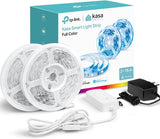
The package includes the LED light strip, a WiFi controller, a power adapter, 3M adhesive backing pre-applied to the strip, and mounting clips. L-connectors for corners and wire extenders for cut-and-rejoin runs are sold separately.
Is the LED strip safe to leave plugged in 24/7?
Yes, the strip is rated for continuous use and has a 25,000-hour LED lifespan, which is over 15 years at typical residential use. The adapter has standard overcurrent protection, and there is no fire risk or significant heat buildup during normal operation.
Will it damage my walls or furniture when removed?
On properly cured painted walls, glossy surfaces, and sealed wood, the 3M adhesive removes cleanly with no residue. On delicate or fresh paint, gently warm the adhesive with a hair dryer before peeling to minimize any risk, and use the included clips as a fully reversible alternative.
What is the difference between a smart LED strip and a regular RGB strip?
A regular RGB strip requires a manual remote or physical controller and cannot be scheduled, grouped, or voice-controlled. The Kasa Smart LED Light Strip connects to WiFi, runs scenes and animations from the app, integrates with Alexa, Google, and SmartThings, and can be grouped with other Kasa devices for whole-room control with one command.