Kasa Smart LED Light Strip 50 Zones RGBIC – Home Office Focus Lighting, 16.4ft Wi-Fi Strip for Desk and Background Ambience
Kasa Smart LED Light Strip 50 Zones RGBIC – Home Office Focus Lighting, 16.4ft Wi-Fi Strip for Desk and Background Ambience
Couldn't load pickup availability
Why you'll love it
- Endless personalization with 50 independent color zones and 16 million colors beats single-color strips
- Hands-free voice control via Alexa, Google Home, and SmartThings fits existing smart home setups
- Trimmable length and 3M adhesive allow a custom fit in any space without tools or damage
- IP44 PU coating protects against kitchen moisture and dust — uncommon in this price tier
- 2-year warranty and Kasa ecosystem reliability reduce buyer's hesitation versus no-name brands
- Animated preset effects (Raindrop, Rainbow) deliver ambience without needing design skills
Perfect for
- Set wake-up and wind-down lighting schedules synced to daily routines
- Backlight a TV or monitor for an immersive movie night or gaming session
- Create animated party lighting (Rainbow, Raindrop effects) for gatherings
- Add under-cabinet or kitchen accent lighting where moisture is a concern
- Group with other Kasa devices for one-tap 'movie night' or motion-triggered scenes
Frequently Asked Questions
Can I set a focus timer that changes the lighting when it is time to take a break?
Yes. You can build Smart Actions in the Kasa app that shift the strip to a cool, energizing tone during focus blocks and a warmer tone during breaks, so the light itself becomes your Pomodoro cue.
Will ambient color behind my monitor actually help me concentrate?
Soft bias lighting behind a screen reduces eye strain from the contrast between a bright display and a dark room, which is the same principle professional editors use. The Kasa strip's 50 zones let you set a calm, low-saturation background that does not distract.
Can I schedule the light to turn on automatically when I start work?
You can set a time-based schedule in the Kasa app to power the strip on at your usual start time, and pair it with a Kasa smart plug on your desk accessories for a one-tap morning routine.
Is it bright enough to light a home office without overhead lights?
At full brightness the strip produces strong, even light suitable for video calls and desk work as a secondary source. For a full day of reading paper documents, we recommend pairing it with a focused task lamp.
Can I sync it with a streaming or recording setup for content creation?
Yes. The 50 individually addressable zones are popular with streamers because you can build animated backdrops that react on camera without needing a separate LED panel, and the strip mounts behind a desk or shelf in minutes.
Is this better than a ring light or a dedicated streaming panel?
A ring light is for your face. A wall-washing strip is for the background, and the two work together. The Kasa strip gives you animated, app-controlled background lighting that a fixed panel cannot match for the price.
How does it compare to a basic LED light bar for a monitor?
Single-color light bars are limited to one tone and need a USB port. The Kasa strip covers a much larger area, offers 16 million colors and animations, and connects over Wi-Fi so it can be triggered by schedules or other smart devices.
Will it distract my partner if I work late in a shared space?
Set the strip to a low-saturation warm white at 10 to 20% brightness and tuck it behind the monitor, and the light reads as soft ambient fill rather than an active display, which most people find unobtrusive in a dark room.
Can I sync it with a Kasa motion sensor for hands-free office lighting?
Yes. Group the strip with a Kasa motion sensor through Smart Actions so the strip turns on when you sit down at your desk and off after you leave, which is a clean, no-touch workflow for a home office.
Can I use it to backlight a monitor without causing screen glare?
Mount the strip behind the monitor facing the wall, not toward the screen, and set it to a neutral white at 30 to 50% brightness. The glow will sit on the wall behind the display, which is the exact bias-lighting setup that reduces eye fatigue.
I am worried the animations will be distracting during deep work.
The Kasa app lets you lock the strip to a single static color, so you can disable animations entirely during work hours and re-enable them for breaks or after-hours with one tap.
Will it hold up to daily 8-hour work sessions?
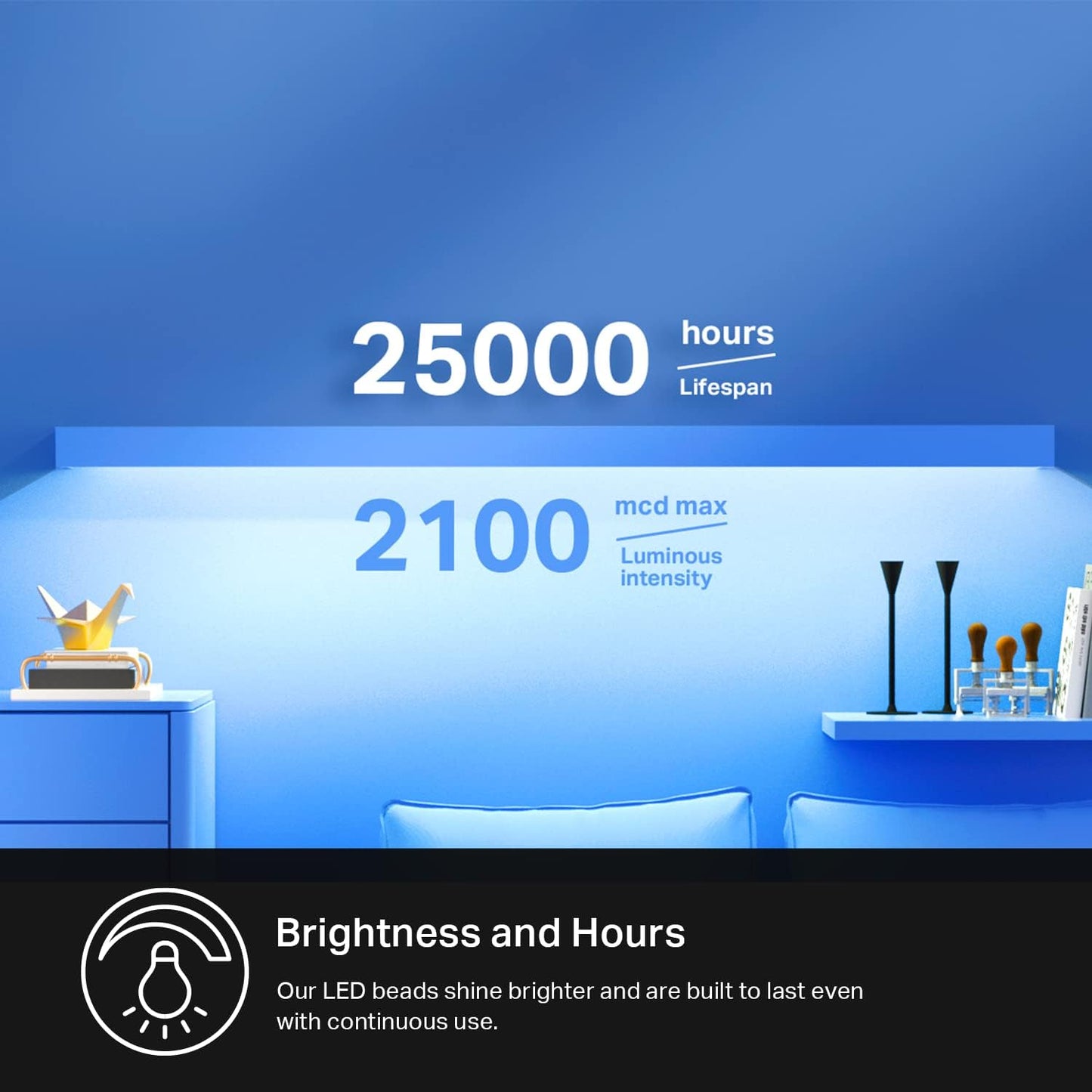
Kasa rates the strip for 25,000 hours of use, which at 8 hours a day is roughly 8.5 years. The PU coating also protects against the dust that builds up in a home office.
Can I group it with my existing Kasa smart plug for a one-tap work mode?
Yes. In the Kasa app, group the strip with any Kasa smart plug, bulb, or camera, and trigger the whole group with a single tap, schedule, or voice command to start or end your workday.
How do I install the Kasa Smart LED Light Strip for the first time?
Plug the strip into the included controller and power adapter, download the Kasa Smart app, and create an account if you do not already have one. Tap the plus icon, select Smart Light Strip, and follow the in-app steps to connect to your 2.4 GHz Wi-Fi network, which usually takes under two minutes. Once connected, peel the 3M backing, stick the strip to a clean dry surface, and trim at any marked cut point to fit your space.
How do I connect the strip to Alexa, Google Home, or SmartThings?
In the Kasa app, open the strip's settings, tap 'Works with', and choose Amazon Alexa, Google Assistant, or SmartThings. You will be prompted to sign into the relevant account and grant permission, after which the strip appears under your smart home devices and responds to voice commands like 'Alexa, set the bedroom strip to 50%' or 'Hey Google, turn the strip rainbow mode'.
How do I cut, extend, or re-mount the strip if I move it to a new room?
Cut only along the marked scissor lines, and only when the strip is powered off. To extend, use Kasa's official strip extensions sold separately, never solder random LED tape. To re-mount, warm the 3M backing with a hair dryer for 20 to 30 seconds, peel slowly, then apply fresh 3M VHB tape (sold at any hardware store) before sticking it to the new surface.
Does this light strip work with Apple HomeKit?
The KL420L5 is designed to work with Alexa, Google Assistant, and SmartThings. It is not HomeKit-certified, but it can be exposed to Apple Home through a SmartThings hub that supports Matter, which is a common workaround for users with mixed smart home ecosystems.
Will it work with my 5 GHz Wi-Fi router?
The strip connects to the 2.4 GHz band of your router, which every modern dual-band or tri-band router provides. If you have a combined network, the strip will automatically join the 2.4 GHz portion, and setup in the Kasa app walks you through any band separation that is needed.
What is included in the box, and what do I need to buy separately?
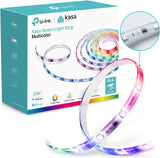
The box includes one 16.4 ft RGBIC LED strip, a Wi-Fi controller, a power adapter, a quick-start guide, and mounting clips. You do not need to buy anything else for a standard install. If you want to extend past 16.4 ft, mount on a textured surface, or control from across a large home, you can add Kasa strip extensions, extra 3M VHB tape, or a Kasa smart plug for grouped control.
Is the strip safe to leave on overnight or while I am away from home?
Yes. The 24V low-voltage adapter, IP44 PU coating, and Kasa's built-in thermal protection make it safe for continuous use. You can also schedule an auto-off time in the Kasa app so the strip powers down on its own, and use the app's away mode to simulate occupancy while you are traveling.
What happens if the strip stops responding or my Wi-Fi goes out?
The strip remembers its last setting, so a brief Wi-Fi outage will not reset it. If it becomes unresponsive, the standard fix is to power-cycle the adapter for 10 seconds, then relaunch the Kasa app. For persistent issues, the 2-year warranty covers replacement through Kasa support.
What is the difference between RGBIC and regular RGB LED strips?
A standard RGB strip can only display one color across the entire length at a time. RGBIC, which is what the Kasa KL420L5 uses, has individually addressable zones, so 50 segments along the strip can show different colors simultaneously, enabling gradients, animated effects, and more sophisticated ambient looks that a single-color strip cannot produce.